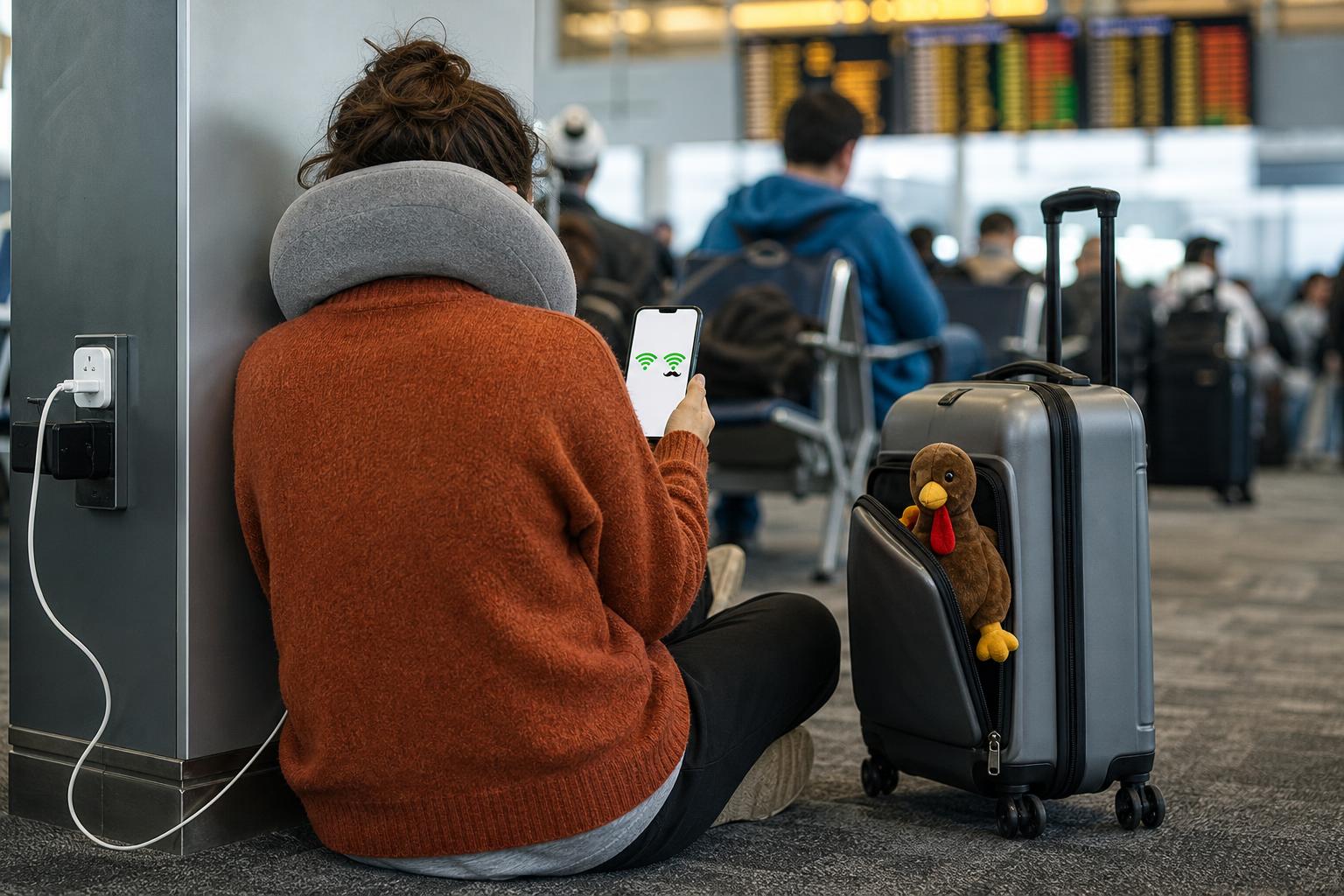
You are at the gate during Thanksgiving week. Your flight is delayed, your phone is at nine percent, and the airport Wi-Fi list shows two networks with almost the same name. You pick the stronger one. Everyone does.
That is the setup for an evil twin attack. This tip covers how it works and the habits that let you travel this holiday without handing your passwords to a stranger in seat 14C.
How an evil twin works
An attacker sets up a wireless network that copies the name of a legitimate one and counts on the fact that phones and laptops cannot reliably verify who actually runs it. It shows up in places where free Wi-Fi is expected, like airports and hotels. It may be boosted to look stronger than the real network, so devices that remembered the real one reconnect on their own.
Once you are on it, the attacker may show a fake login page to collect passwords and email addresses. Even without a fake page, your traffic passes through their equipment before reaching its destination, which lets them watch or interfere with it.
Five habits that help
Turn off auto-connect for public networks, so your phone stops joining anything that looks familiar. Ask airport or hotel staff for the exact network name instead of guessing. Use a VPN, which encrypts your traffic so an eavesdropper cannot read it. Stick to HTTPS sites and keep two-factor authentication turned on, so a stolen password alone is not enough.
The fifth habit is the best one. For banking, work email, and anything sensitive, use your phone's personal hotspot instead of public Wi-Fi at all. It is your own network, and nobody can pretend to be it.
Before you leave the house
Update your laptop and phone before the trip, sign out of accounts you will not need, and make sure your devices are encrypted. Airport lounges are a bad place to discover a two-week-old update was still pending.
The bigger lesson
Public Wi-Fi is fine for watching videos and useless for trusting. The safest move is to not depend on it for anything that matters. We set up business VPNs, device encryption, and remote-work policies as part of our managed IT services, so a work trip does not turn into an incident.
Work trips should not turn into incidents. We set up VPNs, device encryption, and travel policies so your team can work from a gate without worry. No pressure, no obligation, just a straight look at your setup.
Book a 10-Minute Discovery Call →Frequently asked questions
What is an evil twin Wi-Fi network?
It is a fake access point set up to copy the name of a real network, usually in a busy public place. Devices connect to it thinking it is the real one.
Is a VPN enough to protect me on public Wi-Fi?
A VPN encrypts your traffic so a network owner cannot read it, and that is a big help. It works best alongside HTTPS, two-factor authentication, and not entering credentials on unfamiliar login pages.
Is my phone's hotspot safer than airport Wi-Fi?
Yes for anything sensitive. It is a network you control, and nobody else can copy its name and trick your device into joining.
How do I find the real network name?
Ask staff at the airport, hotel, or cafe. Do not rely on signs alone, since a fake network can use the same name.
Can safemode IT set up VPN and encryption for our traveling staff?
Yes. We configure VPNs, device encryption, and remote work policies. See our managed IT services or ask for a free assessment.
Source: NordPass, What is an evil twin attack?
Last updated: November 26, 2026