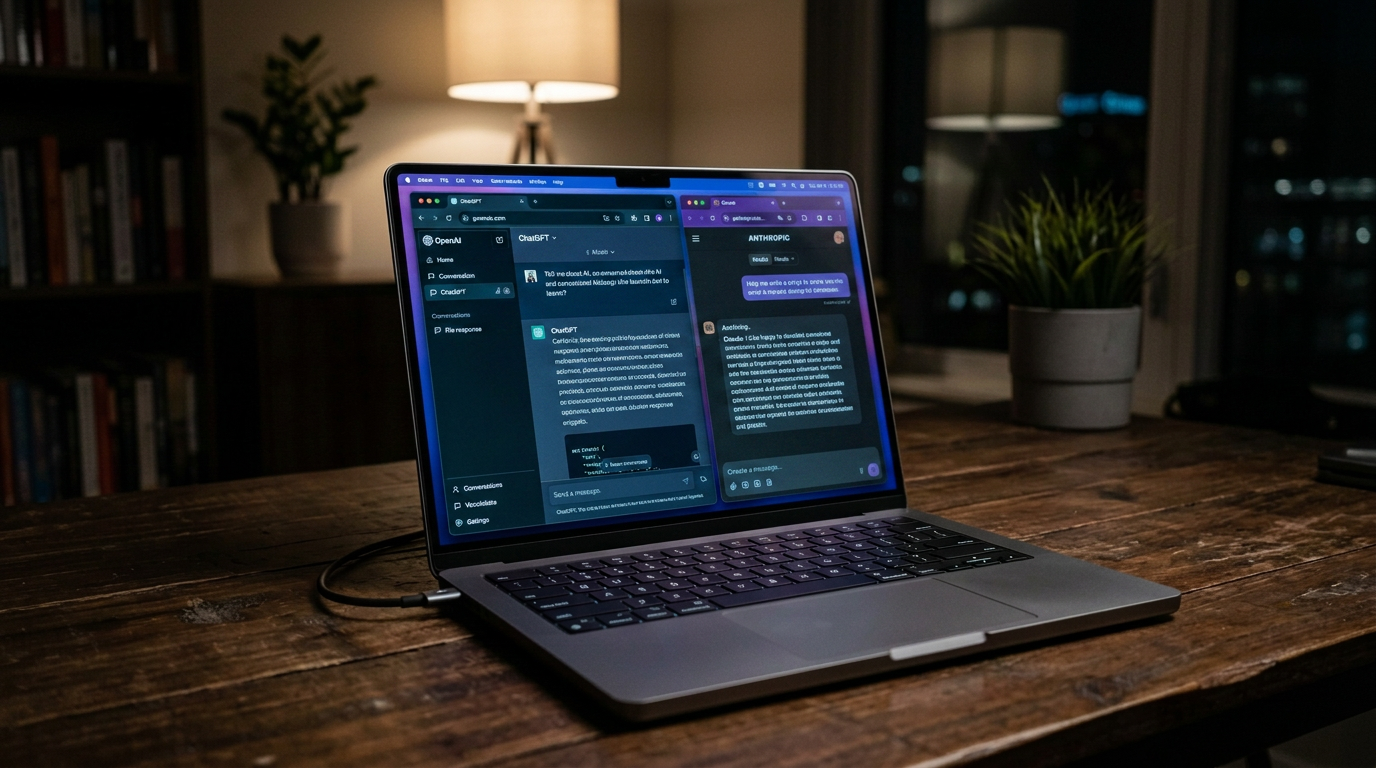
A recent news story caught attention when a chatbot maker warned users not to be mean to Claude, their AI assistant. While it might sound odd at first, this brings up a practical question for business owners: how should your team interact with AI tools in the workplace?
The answer matters more than you might think. Not because AI has feelings, but because how employees treat these tools affects work quality, security habits and office culture.
AI Tools Are Now Common Business Resources
Most small and mid-size businesses now use AI in some form. Your team might use ChatGPT to draft emails, Claude to review documents, Copilot to write code, or industry-specific tools that embed AI features.
These aren't occasional experiments anymore. They're daily work tools, like email or spreadsheets.
That shift means you need clear guidelines on how your team uses them. Not just what data they can share, but how they interact with the tools themselves.
Why Interaction Style Affects Results
AI chatbots respond to how you phrase requests. Professionals who treat the interaction seriously and write clear, specific prompts get better output. Those who treat it like a game or test how far they can push it waste time and get poor results.
Think of it like asking a vendor for a quote. You get better service when you're clear and professional. The same applies here, even though you're interacting with software rather than a person.
Sloppy prompts produce sloppy results. Your team then wastes more time fixing or redoing work.
The Security Angle
How employees approach AI tools often reflects their broader security habits.
Someone who treats workplace AI carelessly might also:
- Paste sensitive client data into public chatbots without thinking
- Skip security warnings to get faster results
- Use personal AI accounts for business tasks
- Share login credentials to AI tools with unauthorized users
Professional behavior with AI tools tends to correlate with better overall security awareness. When your team treats these systems as business resources that require care, they're more likely to handle them securely.
Setting Workplace Standards
You need basic guidelines for AI use, just like you have policies for email, file sharing and customer data.
Keep them simple and practical:
Define what's appropriate. These are work tools for business tasks. If someone wouldn't send an email in a certain tone to a client or vendor, they shouldn't use that tone with workplace AI either.
Clarify data boundaries. Specify what information can and cannot be entered into AI tools. Client data, financial records, passwords and proprietary information need clear rules.
Separate work and personal use. If employees want to experiment with AI on their own time, that's their business. Work devices and work hours are for professional use only.
Require approved tools only. Your IT provider should maintain a list of vetted AI services. Random web tools your team finds online may not meet security or compliance requirements.
Why This Matters for Culture
How people behave when they think no one is watching reveals character. AI interactions feel private, but they're not.
If your workplace culture accepts casual misuse of any business resource, that attitude spreads. It affects how employees treat each other, handle client information and represent your business.
Professional standards apply everywhere, including how your team uses software tools. Consistency matters.
The Training Component
Most employees have never received guidance on professional AI use. They learned through trial and error or by watching YouTube videos.
Include AI tools in your regular security awareness training. Cover:
- Which tools are approved for business use
- What data never goes into an AI system
- How to write effective prompts that get good results
- When to escalate to a human expert instead
- How to verify AI-generated information before using it
Make it practical, not philosophical. Your team doesn't need to debate whether AI can think. They need to know how to use it properly at work.
When AI Use Becomes an IT Issue
Watch for signs that AI tools are creating problems:
- Employees using unauthorized AI services
- Sensitive data appearing in AI chat logs
- Work product that's clearly AI-generated but unchecked
- Time wasted on poorly conceived AI experiments
- Security alerts related to AI tool access
These indicate you need clearer policies, better training or technical controls.
Your IT provider can help with approved tool lists, access controls and monitoring. But the human behavior piece is on you.
Practical Takeaway
Treating AI tools professionally isn't about being polite to machines. It's about maintaining work standards, protecting business data and building good security habits across your team. Set clear expectations for AI use the same way you do for any other business resource. Your team will get better results, and you'll avoid the security and quality problems that come from careless use.
Not sure your IT is as solid as it should be? Take 10 minutes and tell us about your setup. No pressure, no obligation.
Book a 10-Minute Discovery Call →Last updated: October 15, 2026