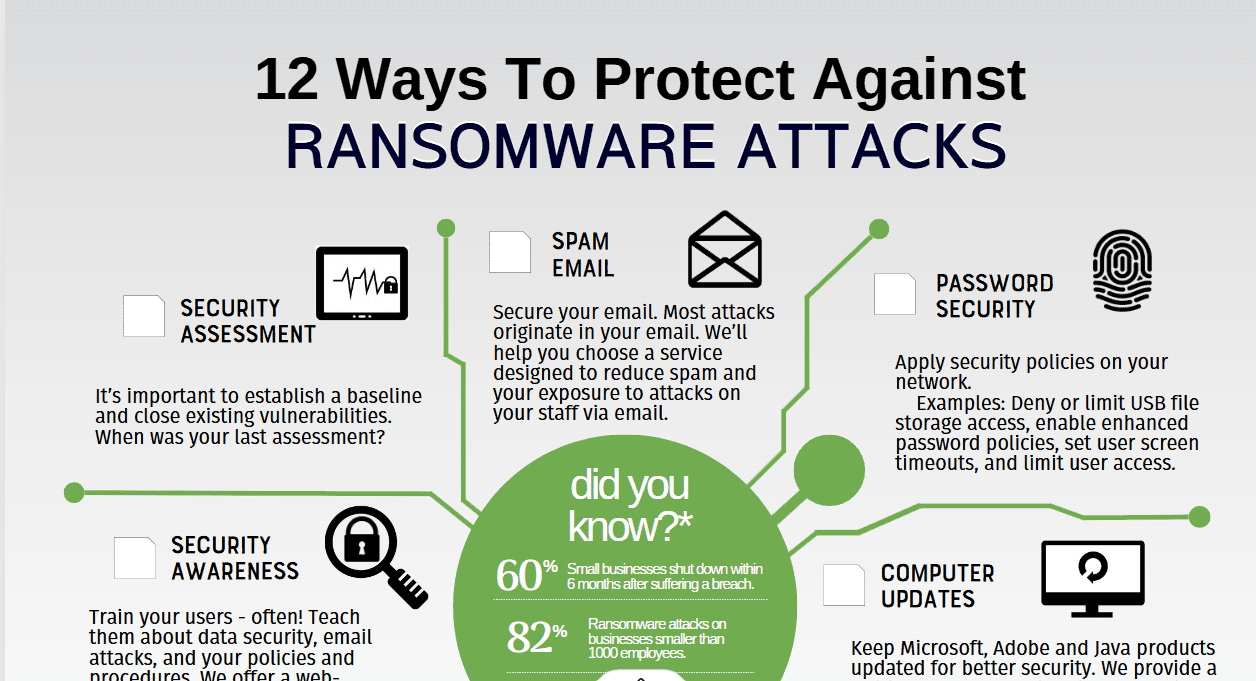
Ransomware is one of the worst things that can happen to a business of any size. In 2024, ransomware payments passed $1 billion globally for the first time. The average ransom demand for a small business is now over $200,000, and paying doesn't guarantee you get your data back. Here are 12 ways to protect your business.
- Use endpoint detection and response (EDR): EDR software watches every endpoint for suspicious activity and can stop ransomware before it encrypts your files. Traditional antivirus alone isn't enough anymore.
- Turn on multi-factor authentication everywhere: Many ransomware attacks start with stolen credentials. MFA keeps a stolen password from being enough to get into your systems.
- Keep everything patched and updated: Ransomware gangs go after known vulnerabilities in unpatched software. Automate patching wherever you can and keep track of what's been applied.
- Filter email and block phishing: Phishing emails are the #1 ransomware delivery method. Email filtering catches malicious attachments and links before they reach your employees' inboxes.
- Train employees to recognize phishing: Even the best email filter misses some threats. Regular security awareness training teaches employees to spot and report suspicious emails.
- Follow the 3-2-1 backup rule: Keep 3 copies of your data, on 2 different media types, with 1 offsite. Make sure backups are immutable, meaning ransomware can't encrypt them, and test restores regularly.
- Segment your network: Segmentation limits how far ransomware can spread. If one segment is infected, the others stay protected. Isolate sensitive systems and limit lateral movement.
- Apply the principle of least privilege: Users should only have access to the data and systems they need for their role. That limits the damage ransomware can do if it gets in through a user account.
- Disable unused Remote Desktop Protocol (RDP): RDP is one of the most exploited entry points for ransomware. If you must use RDP, restrict access by IP address and require MFA.
- Use DNS filtering: DNS filtering blocks connections to known malicious domains. That keeps ransomware from reaching its command-and-control servers, which can stop an attack mid-execution.
- Write and test an incident response plan: When ransomware hits, every minute counts. A written plan spells out who to call, what to isolate, and how to communicate. Having that on paper before the bad day cuts recovery time.
- Work with a managed security provider: Few small businesses have the staff to set up and manage all of these controls in house. A managed security provider monitors your environment 24/7 and handles these protections for you.
safemode IT implements all 12 of these protections for managed IT clients across Kyle, San Marcos, Bastrop, and Austin. Contact us for a free ransomware readiness assessment.
Not sure your IT is as solid as it should be? Take 10 minutes and tell us about your setup. No pressure, no obligation.
Book a 10-Minute Discovery Call →Frequently asked questions
How does ransomware usually get into a small business?
Phishing email is the number one delivery method. Stolen credentials, unpatched software with known vulnerabilities, and exposed Remote Desktop Protocol (RDP) are the other common entry points. Email filtering, MFA, scheduled patching, and locking down RDP close most of those doors.
Does paying the ransom get your data back?
Not reliably. Paying doesn't guarantee you get your files back, and the average demand for a small business is now over $200,000. Tested, immutable backups are the dependable way to recover.
What is the 3-2-1 backup rule?
Keep 3 copies of your data, on 2 different types of media, with 1 copy offsite. Backups should also be immutable, so ransomware can't encrypt them, and you should test restores regularly.
Is antivirus enough to stop ransomware?
No. Traditional antivirus alone isn't enough anymore. Endpoint detection and response (EDR) watches every endpoint for suspicious activity and can stop ransomware before it encrypts files, and it works alongside email filtering, DNS filtering, and network segmentation.
Can safemode IT put these ransomware protections in place for us?
Yes. We implement all 12 of these protections for managed IT clients across Kyle, San Marcos, Bastrop, and Austin, including 24/7 monitoring. Learn more about our cybersecurity services or contact us for a free ransomware readiness assessment.
Last updated: April 4, 2026