Imagine walking into work tomorrow morning and discovering that nothing works.
Your computers won't turn on. Your files are inaccessible. Email is down. Customer information can't be reached. Employees can't access the systems they need, and no one knows when, or if, everything will be back online.
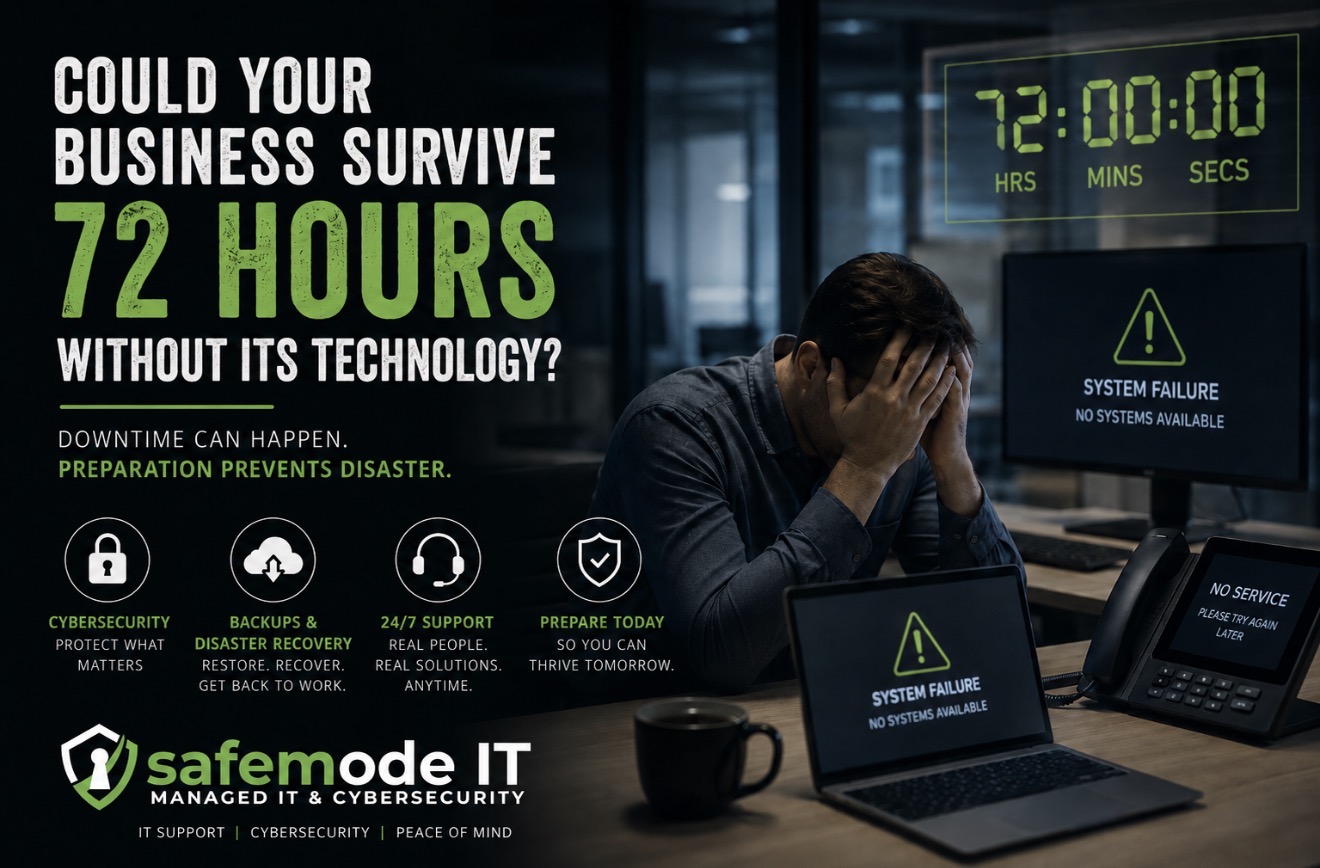
Could your business keep operating for 72 hours?
For many organizations, the answer is no.
Technology runs most day-to-day business operations now. Yet cybersecurity and IT preparedness still get treated as something to worry about after there's a problem. At safemode IT, we believe the best time to prepare for an IT emergency is long before one happens.
Downtime is more than an inconvenience
When technology goes down, the clock starts ticking.
Employees can't work. Customers can't reach you. Payments stop. Documents and data are out of reach, and if you handle sensitive or regulated information, an incident also raises security and compliance problems on top of everything else.
And downtime doesn't always begin with a dramatic cyberattack. Hardware failures, software problems, human error, internet outages and accidental file deletion can all bring a business to a halt.
So there are two questions. Can we get our systems back? And how quickly can we get back to work?
Backups are important, but they aren't the whole plan
Having your data backed up is a good start. But a backup sitting somewhere isn't the same thing as a disaster recovery plan.
You should know where your critical data lives, how often it gets backed up, who can reach those backups, and what the steps are to get running again after an incident.
Then test it.
Finding out in the middle of an emergency that a backup won't restore is a lesson no business wants to learn.
Cybersecurity starts before the attack
Cybercriminals don't only go after big corporations.
Businesses of every size get hit, because attackers are looking for the easiest way in, and that is rarely the biggest company on the block.
One compromised password, one piece of outdated software, or one employee clicking the wrong link is enough to turn into a much larger problem.
Good security has layers. That means keeping systems updated, controlling who has access to what, protecting data, watching for threats, and making sure employees know the part they play in keeping the place secure.
Who are you calling at 2 a.m.?
Technology problems don't keep office hours.
If something breaks after hours, over a weekend, or right before an important Monday morning, who picks up the phone decides whether you get a manageable interruption or days of disruption.
That's why 24/7 support matters.
You shouldn't have to wait until the next business day to start figuring out what went wrong.
Ask yourself the 72-hour question
Take a moment and imagine your organization without its technology for three full days.
Could employees keep working?
Could you communicate with customers?
Could you process payments or get to important records?
Would you know whether your data was safe?
Who would be responsible for getting everything back online?
And how long would recovery take?
If some of those are hard to answer, your business is more exposed to downtime than you think.
Prepare before you have to recover
None of this means assuming something terrible is going to happen. It means having a plan if something does.
safemode IT helps Texas organizations protect their technology through managed IT services, cybersecurity, disaster recovery, backups, compliance support, penetration testing, employee onboarding and offboarding, and 24/7 IT support.
Waiting until something breaks isn't much of an IT strategy.
Could your business survive 72 hours without its technology?
If you're not confident in the answer, it's time to put a better plan in place. Call us at (512) 761-7652 or fill out the interest form on our website for a free audit of how secure your business really is.
Not sure your IT is as solid as it should be? Take 10 minutes and tell us about your setup. No pressure, no obligation.
Book a 10-Minute Discovery Call →Frequently asked questions
How long can a business run without its computers and email?
For many businesses, not even three days. Without computers, files, email, or customer records, employees can't work, customers can't reach you, and payments stop. The 72-hour test is a simple way to find out where you stand: picture three full days offline and ask who would get everything back and how long it would take.
Are backups enough to recover from a cyberattack or outage?
No. A backup is a good start, but you also need to know where your critical data is stored, how often it is backed up, who can reach it, and the exact steps to restore operations. And the restore has to be tested before an emergency, because finding out then that a backup won't restore is too late.
What causes business downtime besides cyberattacks?
Hardware failures, software problems, human error, internet outages, and accidental file deletion can all stop work just as completely as an attack. A recovery plan should cover the ordinary failures as well as the dramatic ones.
Why does a small business need 24/7 IT support?
Technology problems don't keep office hours. If something breaks on a weekend or the night before an important Monday, waiting until the next business day to start troubleshooting turns a manageable interruption into days of disruption. Someone should be reachable when it happens.
Can safemode IT help us build a disaster recovery plan?
Yes. We help Texas organizations with managed IT, cybersecurity, backups, disaster recovery, compliance support, and 24/7 IT support. Learn more about our managed IT services or call (512) 761-7652 for a free audit.
Last updated: August 27, 2026