October is Cybersecurity Awareness Month, which makes it a good time to check whether your business has the basic defenses in place. Most breaches happen because someone skipped a fundamental step, not because of sophisticated hacking.
The boring truth is that strong passwords, multi-factor authentication and a few other straightforward practices stop the majority of attacks. You don't need expensive tools or a security team to get these right.
Start With Password Strength
Weak passwords are still the easiest way into a business network. If your staff use passwords like "Summer2024" or the name of the business followed by a number, attackers will guess them in seconds.
A strong password is long and random. Twelve characters minimum, with a mix of letters, numbers and symbols. Better yet, use a passphrase: four or five random words strung together. These are easier to remember and harder to crack.
Stop reusing passwords across accounts. When one service gets breached, attackers try those credentials everywhere else. If the same password unlocks your email, your bank account and your vendor portal, one breach becomes three.
Use a password manager. It generates strong passwords, stores them encrypted and fills them in automatically. Your team only needs to remember one master password. Most password managers cost less than ten dollars per person per month.
Turn On Multi-Factor Authentication
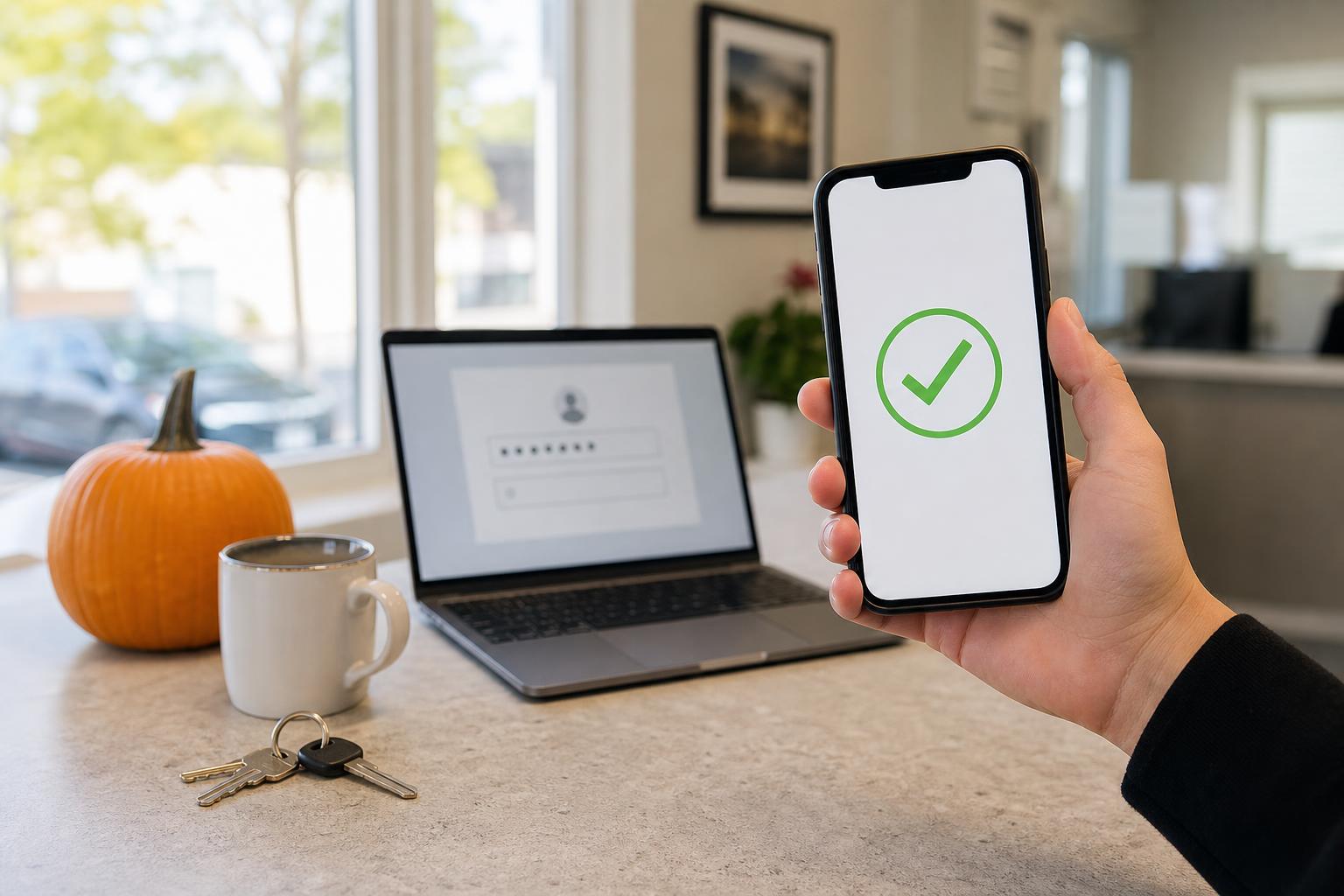
Multi-factor authentication requires a second proof of identity after the password. Usually that's a code sent to your phone, a code from an authenticator app or a prompt you approve on a trusted device.
Even if someone steals or guesses a password, they can't get in without that second factor. It's the single most effective control you can deploy.
Enable MFA on everything that supports it. Email accounts, banking, cloud storage, payroll systems, accounting software. If the service offers it, turn it on.
Some staff will complain that it's inconvenient. It adds five seconds to a login. That's a reasonable tradeoff for blocking most account takeovers.
Authenticator apps are more secure than text messages. Text messages can be intercepted through SIM swapping or SS7 attacks. Apps like Microsoft Authenticator, Google Authenticator or Authy generate codes locally on the device. If a service offers both options, choose the app.
Review Who Has Access to What
Access creep is common. Someone gets hired, you give them access to the systems they need, then their role changes or they leave and the access stays active.
Go through your user accounts. Remove accounts for people who no longer work there. Adjust permissions for people whose responsibilities changed. Not everyone needs admin rights, and temporary contractors shouldn't keep access indefinitely.
Apply the principle of least privilege. Give people the minimum access they need to do their jobs. If someone doesn't work with financial data, they shouldn't have access to accounting software. If they don't manage the website, they don't need CMS admin credentials.
Shared accounts are a problem. If five people log in with the same username and password, you can't tell who did what or revoke access for one person without locking everyone out. Create individual accounts instead.
Patch and Update Regularly
Software updates fix security holes. When you skip updates, you leave known vulnerabilities open.
Turn on automatic updates for operating systems, browsers and common applications. Most software can update itself overnight without interrupting work.
Some systems require manual updates. Make a schedule and stick to it. Routers, firewalls, printers and other network devices don't update themselves. Check them monthly.
Older systems that no longer receive updates are a risk. If you're still running Windows 7 or Server 2008, you're using software with unpatched security flaws. Plan to replace or upgrade those systems.
Back Up Your Data
Backups protect you when something goes wrong. Ransomware, hardware failure, accidental deletion or a fired employee wiping files on the way out, all of these are recoverable if you have clean backups.
Follow the 3-2-1 rule: three copies of your data, on two different types of media, with one copy offsite. That might be your live data, a backup on a local drive or NAS and a second backup in the cloud.
Test your backups. A backup you've never restored is just a theory. Every few months, pick a random file and restore it to make sure the process works.
Keep at least one backup offline or immutable. If ransomware encrypts your live systems and your network-attached backup at the same time, an offline backup is your last line of defense.
Train Your Team
Your staff are both your weakest link and your strongest defense. They'll click phishing links or report them, use weak passwords or strong ones, depending on what they know and what habits they've built.
Run phishing simulations. Send fake phishing emails and see who clicks. Use the results to identify who needs more training, not to punish anyone.
Teach people what to look for: unexpected attachments, urgent requests for credentials, links that don't match the apparent sender, requests to move conversations off official channels.
Make it easy to report suspicious messages. If someone has to fill out a form or write an email to IT, they won't bother. A one-click "report phishing" button in the email client works better.
Use This Month as a Checkpoint
Cybersecurity Awareness Month is a convenient reminder to review your defenses. Most of what protects a business isn't complicated. It's the basics, done consistently.
Check your passwords. Turn on MFA. Review access. Update your systems. Test your backups. Train your staff. These steps take time, but none of them require specialized skills or large budgets. And together, they block the majority of attacks that small businesses face.
Not sure your IT is as solid as it should be? Take 10 minutes and tell us about your setup. No pressure, no obligation.
Book a 10-Minute Discovery Call →Last updated: October 7, 2026