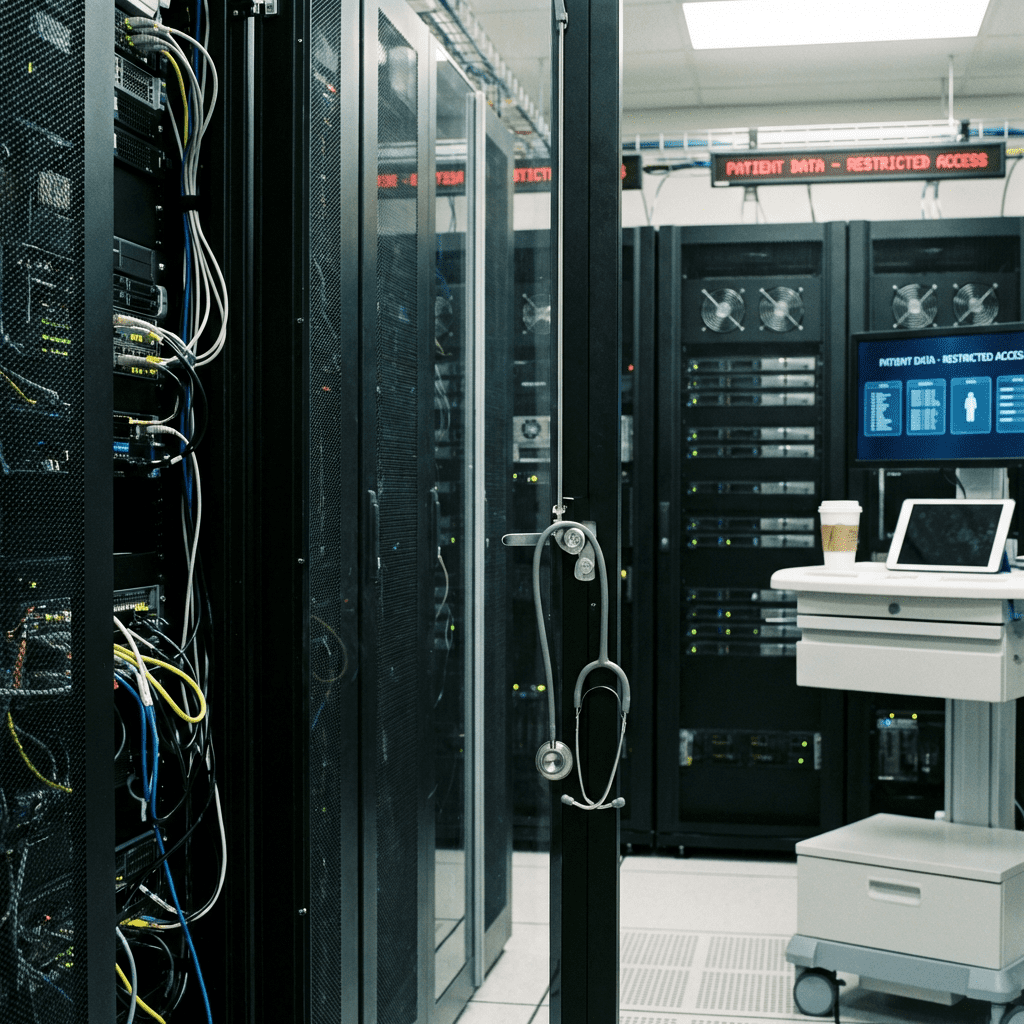
A medical practice has three IT problems most businesses do not: patient data that criminals want, HIPAA rules that say how you have to protect it, and systems that cannot go down in the middle of a clinic day. A good IT setup has to handle all three at once. Most of the practices we talk to have one of the three covered and the other two on a wish list.
Why IT security matters more in healthcare
A practice holds patient records, billing data, and sometimes clinical research. All of it is sensitive, and all of it is worth something to a criminal. Encryption, firewalls, and intrusion detection are the floor. You build up from there.
Then there is HIPAA. The rule requires you to protect patient privacy, and falling short means fines and a reputation problem with the patients who trusted you. Automated security controls and clean audit trails make compliance easier to keep up with day to day. They also make it much easier to prove during an audit, which is when most practices find out what they were missing.
Security is only part of the job, though. The same systems run the front desk, hold the electronic health records (EHR), and carry telemedicine visits. When they work well, staff spend less time on paperwork and make fewer errors, and more of the day goes to patients.
What a well-run setup gives you:
- Protection against data breaches and ransomware
- HIPAA compliance you can document
- Patient records that are easy to find and hard to lose
- Smoother handoffs between providers
- Remote and telehealth visits that work
How IT improves operational efficiency in healthcare
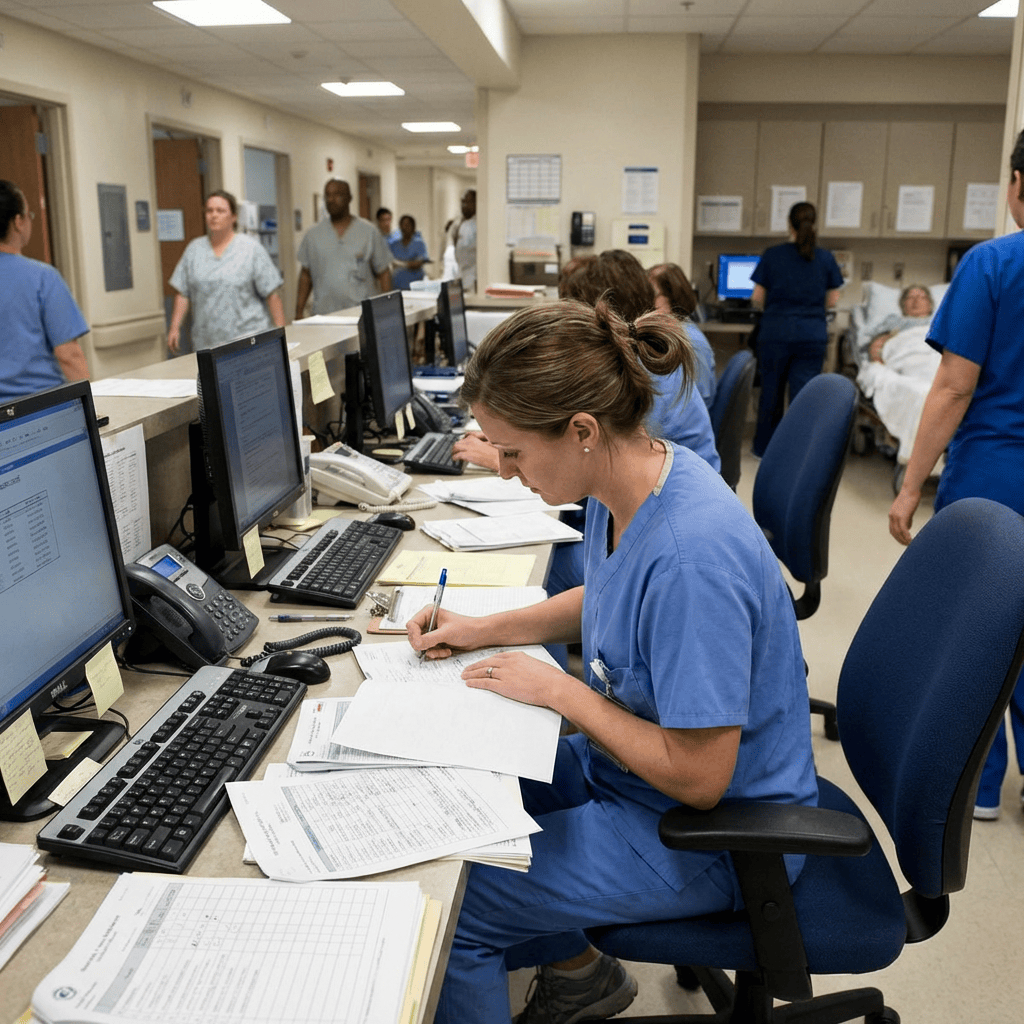
In a clinic, small delays and small errors both land on patients, so efficiency matters more than it does in most offices. The biggest gain usually comes from getting the EHR, the lab system, and the billing platform to talk to each other. When they are on one network, staff stop keying the same information into three places and stop waiting on one system to catch up with another.
Automated appointment scheduling cuts no-shows and makes better use of staff time. Electronic prescribing checks allergies and drug interactions as the order is written, which catches medication errors before they reach the pharmacy. Reporting tools show administrators where the bottlenecks are so they can fix them instead of guessing.
Cloud services sit on top of all this. They give a practice storage and computing power that grows with it, and they let providers reach patient data securely from wherever they happen to be. That is what makes it practical for specialists to work a case together and for telehealth to work at all.
Where we usually see the biggest improvements:
- Routine administrative tasks that get automated
- Patient data shared across departments instead of siloed
- Staff who can reach each other and the chart in real time
- Remote patient monitoring and telemedicine that run reliably
- Analytics used to plan staffing and resources
Choosing the right IT solutions for healthcare
The right setup depends on the size of the practice, the budget, and which regulations apply to you. Start with an honest look at what you have now. Where are the security gaps? Where does staff time leak away?
From there, look for a setup that can grow with you. Make sure whoever builds it has done healthcare IT before and understands the compliance side, because a vendor learning HIPAA on your network is a bad deal for you. Weigh cloud against on-premises for cost and flexibility. There is no single right answer, and anyone who tells you there is has one of them to sell.
At safemode IT, we provide managed IT for healthcare organizations in Central Texas: HIPAA-compliant infrastructure, cybersecurity, and backup. We handle the technology so your staff can spend the day on patients. Contact us today to talk about your practice's IT.
Not sure your IT is as solid as it should be? Take 10 minutes and tell us about your setup. No pressure, no obligation.
Book a 10-Minute Discovery Call →Frequently asked questions
Why are healthcare practices a target for cyberattacks?
A practice holds patient records, billing data, and sometimes clinical research, and all of it is a target for cybercriminals. Encryption, firewalls, and intrusion detection are the baseline defenses, and a practice without them is the easy target on the block.
What does HIPAA require from a medical practice's IT systems?
HIPAA requires you to protect patient privacy, and non-compliance carries fines and reputational damage. In practice that means security controls on the systems that hold patient data plus audit trails that show who accessed what and when. Automated controls make compliance easier to maintain and much easier to prove during an audit.
How does IT improve efficiency in a medical practice?
The biggest gains come from connecting the EHR, lab systems, and billing so staff stop re-entering the same data. Automated scheduling reduces no-shows, electronic prescribing catches allergy and drug interaction problems as orders are written, and analytics help administrators find and fix bottlenecks. Each of those gives time back to patient care.
Should a healthcare practice use cloud or on-premises systems?
It depends on cost and how much flexibility you need. Cloud gives you storage and computing power that scales with the practice and lets providers reach patient data securely from any location, which supports telehealth and specialist collaboration. Weigh both against your budget and compliance requirements before deciding.
Can safemode IT manage IT for our healthcare practice?
Yes. We provide managed IT for healthcare organizations in Central Texas, including HIPAA-compliant infrastructure, cybersecurity, and backup. Learn more about our managed IT services or book a 10-minute discovery call.
Last updated: April 4, 2026