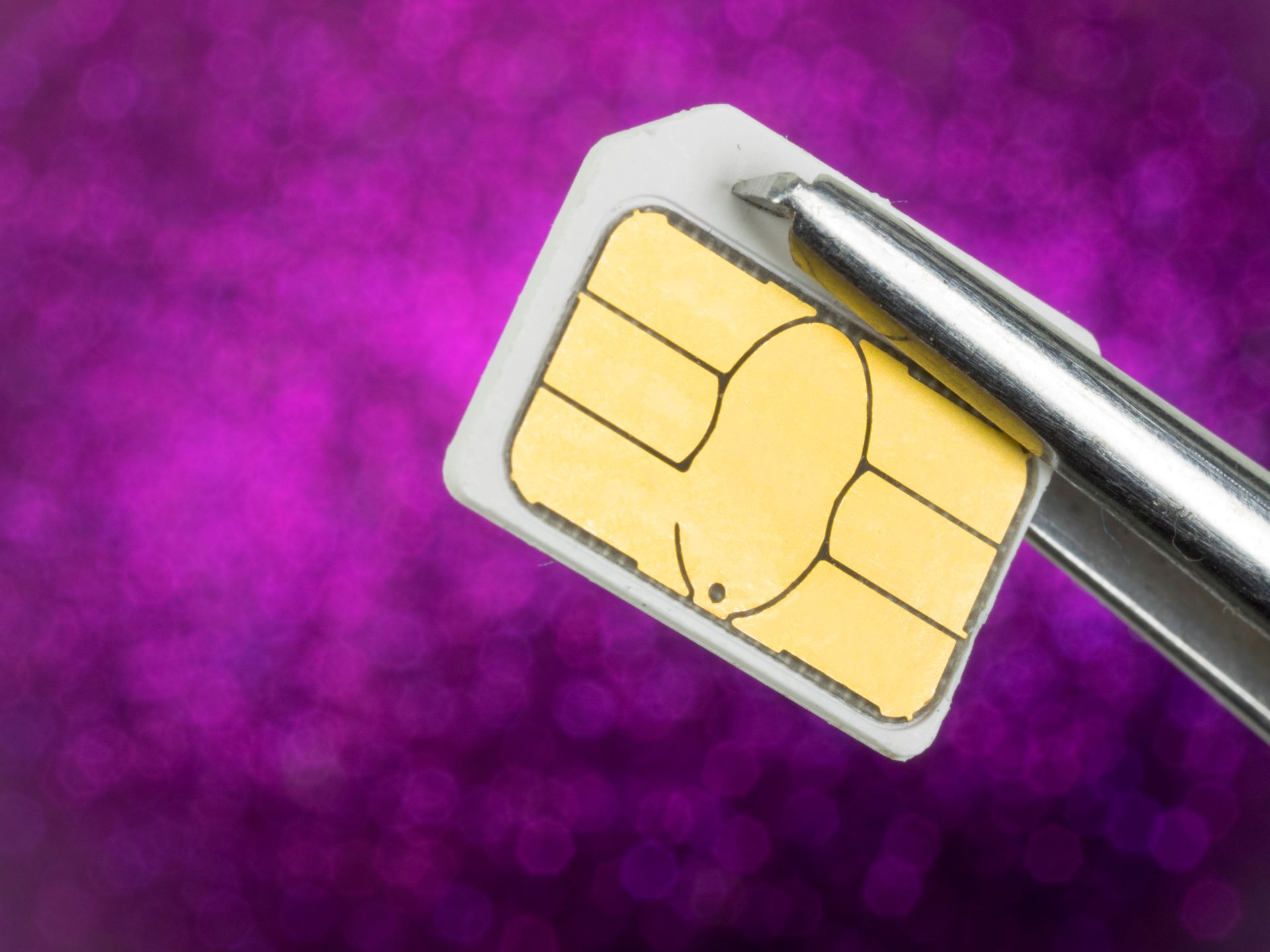
SIM swapping is a scam aimed at business owners and executives, and we're seeing more of it. A criminal convinces your mobile carrier to move your phone number to a SIM card they control. From that point on, every text, call, and authentication code sent to your number goes to them. Your email, banking, and business accounts can be taken over in minutes.
How SIM swapping works
Most SIM swap attacks follow the same pattern:
- Reconnaissance: The attacker researches you on social media, data broker sites, and leaked databases to gather personal information
- Social engineering: They contact your mobile carrier pretending to be you, and use that personal information to "verify" their identity
- SIM transfer: The carrier moves your number to the attacker's SIM card
- Account takeover: The attacker uses SMS-based password resets to get into your email, banking, and other accounts
- Monetization: They transfer money, drain accounts, or sell the credentials on the dark web
Warning signs your SIM has been swapped
- Your phone suddenly loses service and shows "No Service" or "SOS Only"
- You get unexpected texts about account changes or a SIM activation
- You're locked out of accounts you were just using
- You see transactions or account activity you didn't authorize
How to protect yourself and your business
Set a SIM PIN or port freeze: Call your mobile carrier and set up a SIM PIN or account PIN that has to be given before any SIM change. Some carriers also offer a "port freeze" that blocks number transfers entirely.
Switch from SMS MFA to an authenticator app: SMS-based multi-factor authentication is exactly what a SIM swap defeats. Use an authenticator app (Google Authenticator, Microsoft Authenticator) or a hardware security key instead.
Use a separate, private email for financial accounts: Keep one email address, never shared publicly, for banking and financial services only. That cuts down on what attackers can use against you.
Shrink your digital footprint: Cut back on the personal information that's visible on social media and data broker sites. The less an attacker can find, the harder that call to your carrier gets for them.
Need help securing your business against SIM swapping and other mobile threats? Contact safemode IT for a cybersecurity review.
Not sure your IT is as solid as it should be? Take 10 minutes and tell us about your setup. No pressure, no obligation.
Book a 10-Minute Discovery Call →Frequently asked questions
What is a SIM swap attack?
A criminal convinces your mobile carrier to transfer your phone number to a SIM card they control. Every text, call, and authentication code sent to your number then goes to them. They use SMS-based password resets to get into your email, banking, and other accounts, then move money or sell the credentials.
How do I know if my SIM has been swapped?
Your phone suddenly shows "No Service" or "SOS Only" for no reason. You get texts about account changes or a SIM activation you didn't request, or you're locked out of accounts you were just using. Transactions you didn't authorize are another sign.
Does an authenticator app stop SIM swapping?
It takes away the main payoff. SMS codes go to whoever holds your number, but codes from Google Authenticator or Microsoft Authenticator stay on your device, and a hardware security key is stronger still. Move your important accounts off SMS-based MFA.
How do I stop my carrier from transferring my number?
Call your carrier and set an account PIN or SIM PIN that has to be given before any SIM change. Some carriers also offer a port freeze, which blocks number transfers entirely until you lift it.
Can safemode IT help protect our business from SIM swapping?
Yes. Our cybersecurity review covers the steps above: carrier PINs, moving your accounts off SMS codes, and cutting down what an attacker can find about your team online. Learn more about our cybersecurity services or contact us for a review.
Last updated: April 4, 2026